


Stock records that don’t match the shelf?
Keep the records and the follow-up together.
A practical stock control system for workshops, warehouses and operations teams: a clear method, a location addressing system and a working Excel workbook. Requires Microsoft Excel and a PDF reader.
- Know what you have
- Know where it is
- Know when to reorder
- Find and fix differences
One-off purchase · Instant digital download · Requires Microsoft Excel and a PDF reader
We couldn’t open checkout. Please try again or contact hello@leantoolsau.com.au.
Also running 5S? Get both kits for A$69

A clearer way to manage your stock
Know where to look. See what needs attention. Keep track of the next step.
When item details, locations and follow-up notes are scattered, even a simple stock question can interrupt the work. The Stock Control Kit gives you a ready-to-use structure for keeping that information together—without building it all from scratch.
Organise your stock
Record your items and give them clear location addresses, so your team knows where to look instead of relying on someone’s memory.
Know what needs attention
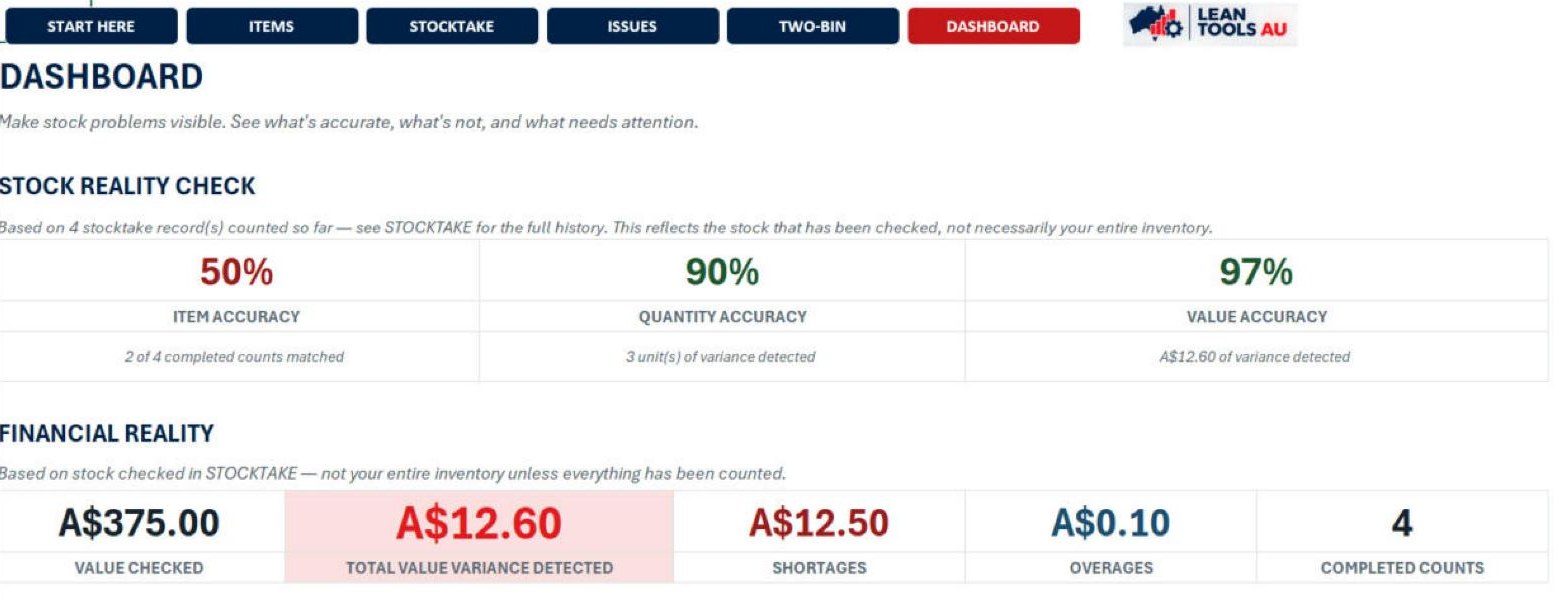
See which items are marked for reorder or out of stock. Compare recorded quantities with physical counts to find differences that need checking.
Keep track of the next action
Record what needs investigating, who will check it and the due date. Overdue actions are flagged when the workbook recalculates, helping you see what is still open.
Less piecing information together. A practical starting point for better stock decisions.
Clearer records help you check before ordering, organise replenishment and follow up differences—supporting decisions that reduce avoidable buying, searching and disruption.
What you do and what the workbook does
You enter item details, quantities, counts and issues, and carry out the actions. Formulas calculate the supported variances, statuses and Dashboard summaries. The kit does not record receipts and issues automatically or update your other systems.
The guided recount and CHECK tab belong to the separate free Stock Count Check. The paid kit uses its STOCKTAKE and ISSUES sheets instead.
What's included
Six files that work together
Delivered as a single digital download after purchase. Two guides explain the thinking, one page goes on the floor, and the Workbook keeps the records.
Start Here & Licence
The order to use the files, and the licence that applies to the kit.
PDF · 2ppPractical Stock Control Guide
The method: seven linked functions, from knowing what you have to reviewing what needs attention.
PDF · 14ppLocation Addressing Guide
How to design a four-part location code (aisle, rack, level, position) that stays clear as you grow.
PDF · 6ppStock Location & Storage Quick Reference
One page showing a finished, working location system on one rack. Print it for the floor.
PDF · 1pExcel Quick-Start Guide
A work instruction that walks you through the Workbook, sheet by sheet.
PDF · 5ppStock Control Workbook
Items, stocktakes, issues, Two-Bin control and a dashboard in one working Excel file.
XLSXHow it works
Seven linked functions
The stock control method this kit is built around. Each one makes the next more reliable.
01
KNOW
02
LOCATE
03
KEEP IT HONEST
04
REPLENISH
05
VERIFY
06
CORRECT
07
REVIEW
See the kit in action
Real pages from inside the kit
Real pages from the files in the kit, plus two screenshots of the Workbook in Excel, shown with the kit's example data. Select any preview to enlarge it.
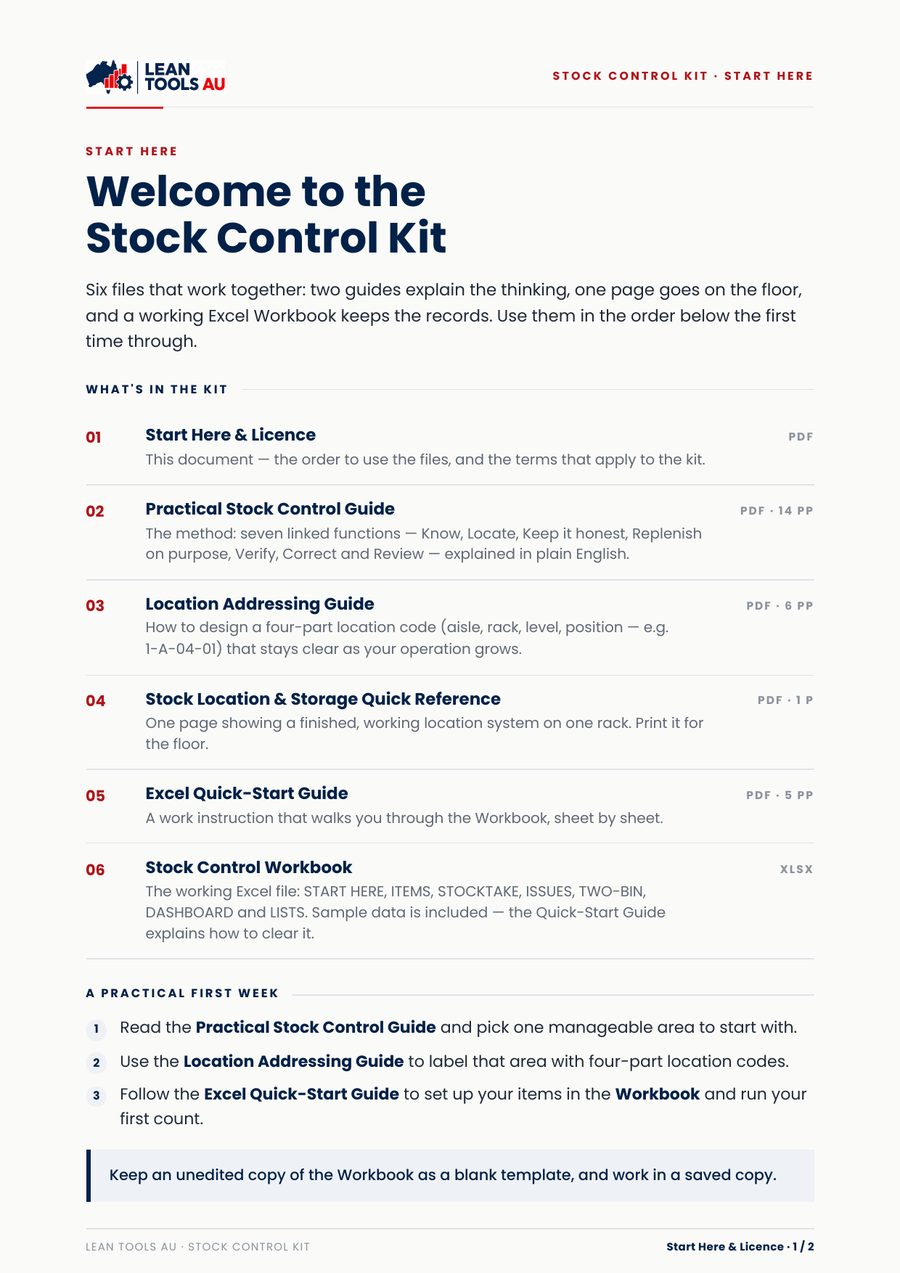
Start Here
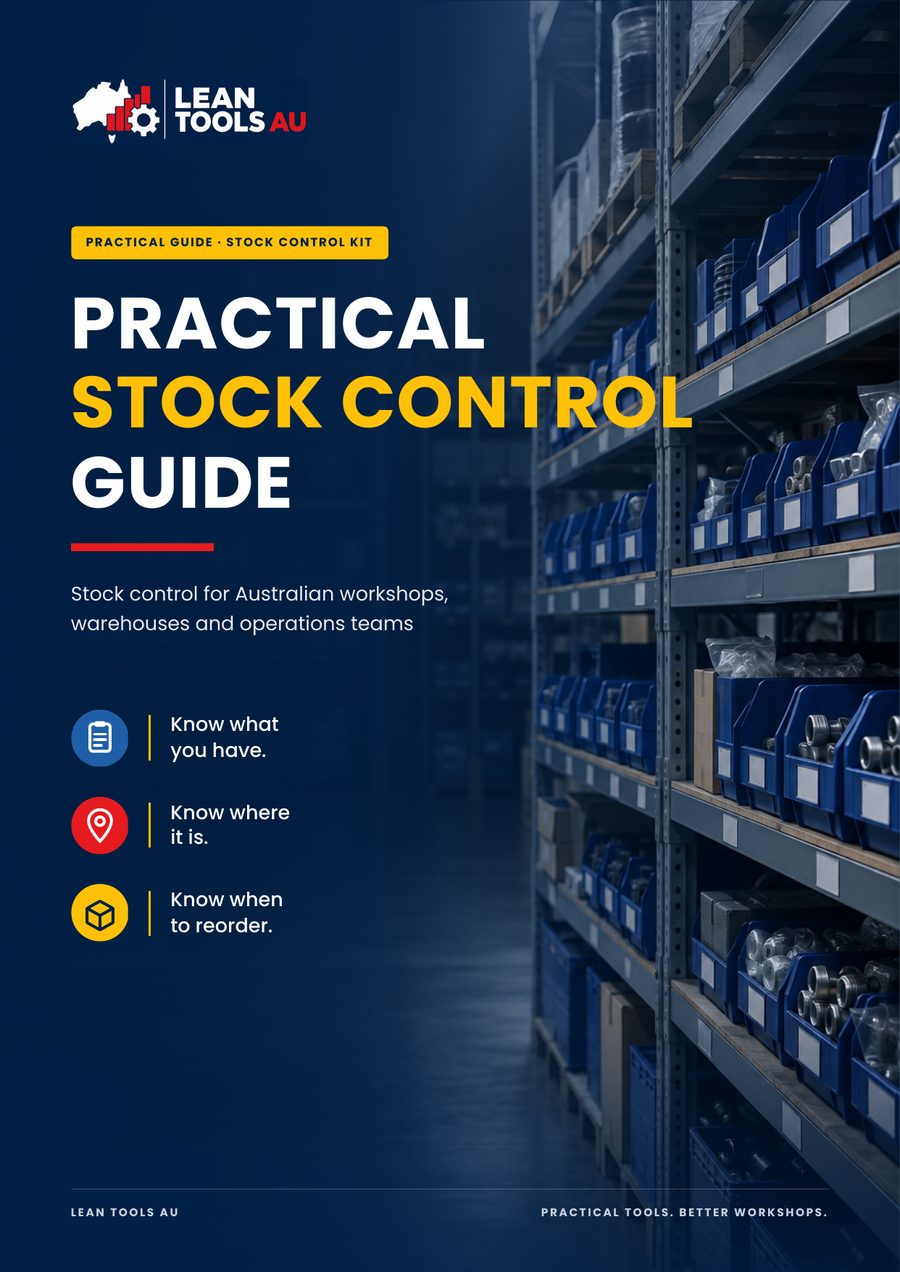
Practical Stock Control Guide
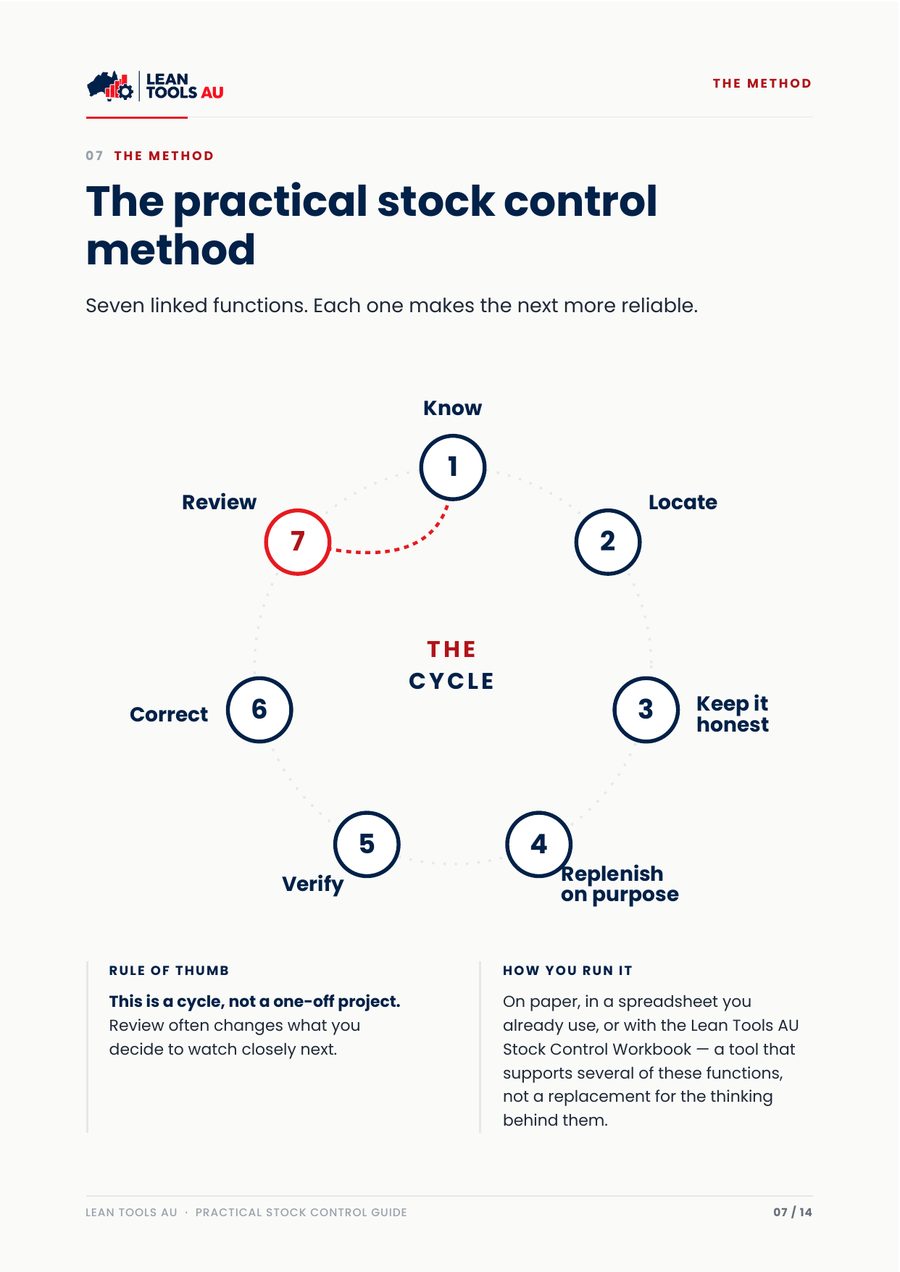
Guide — the seven-function method
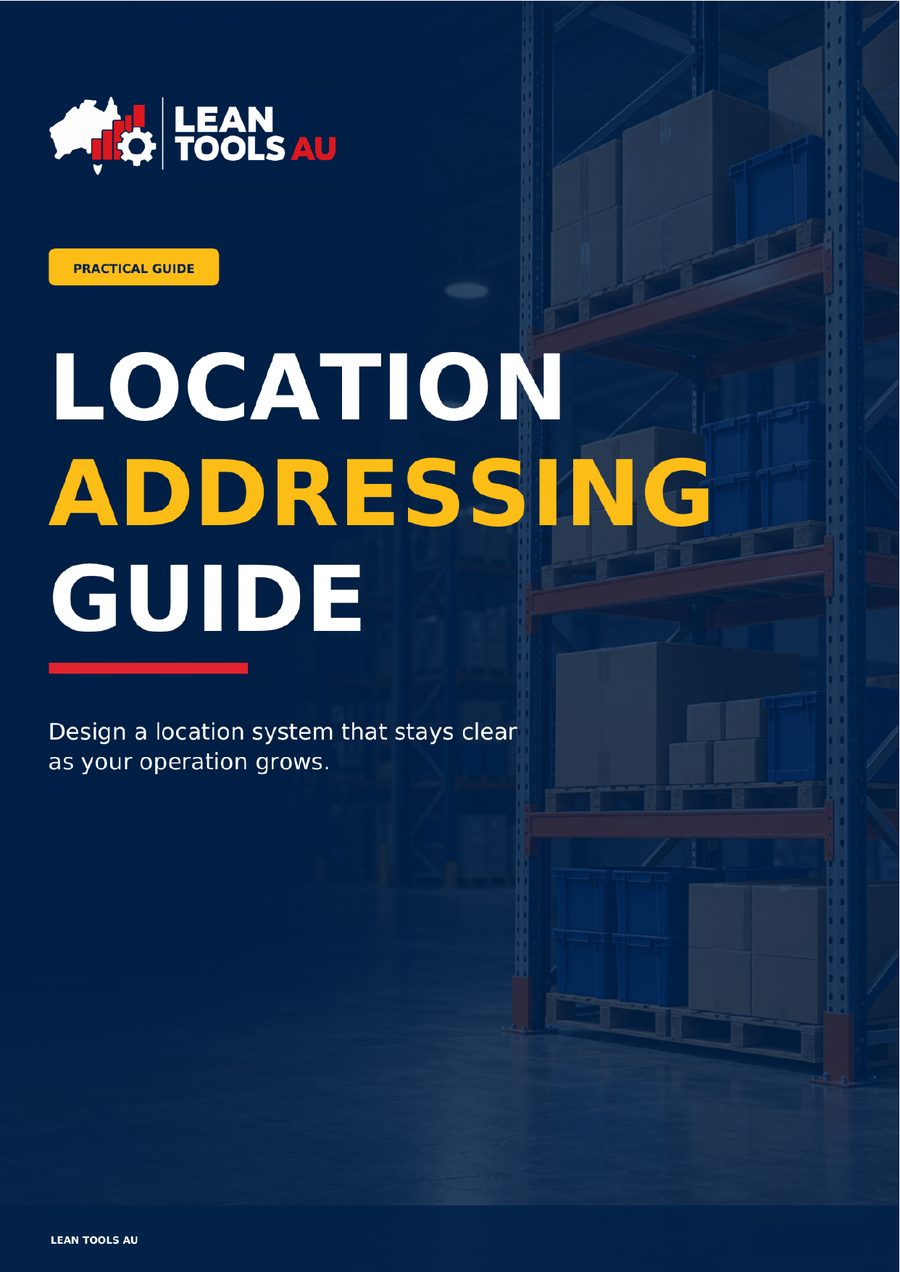
Location Addressing Guide
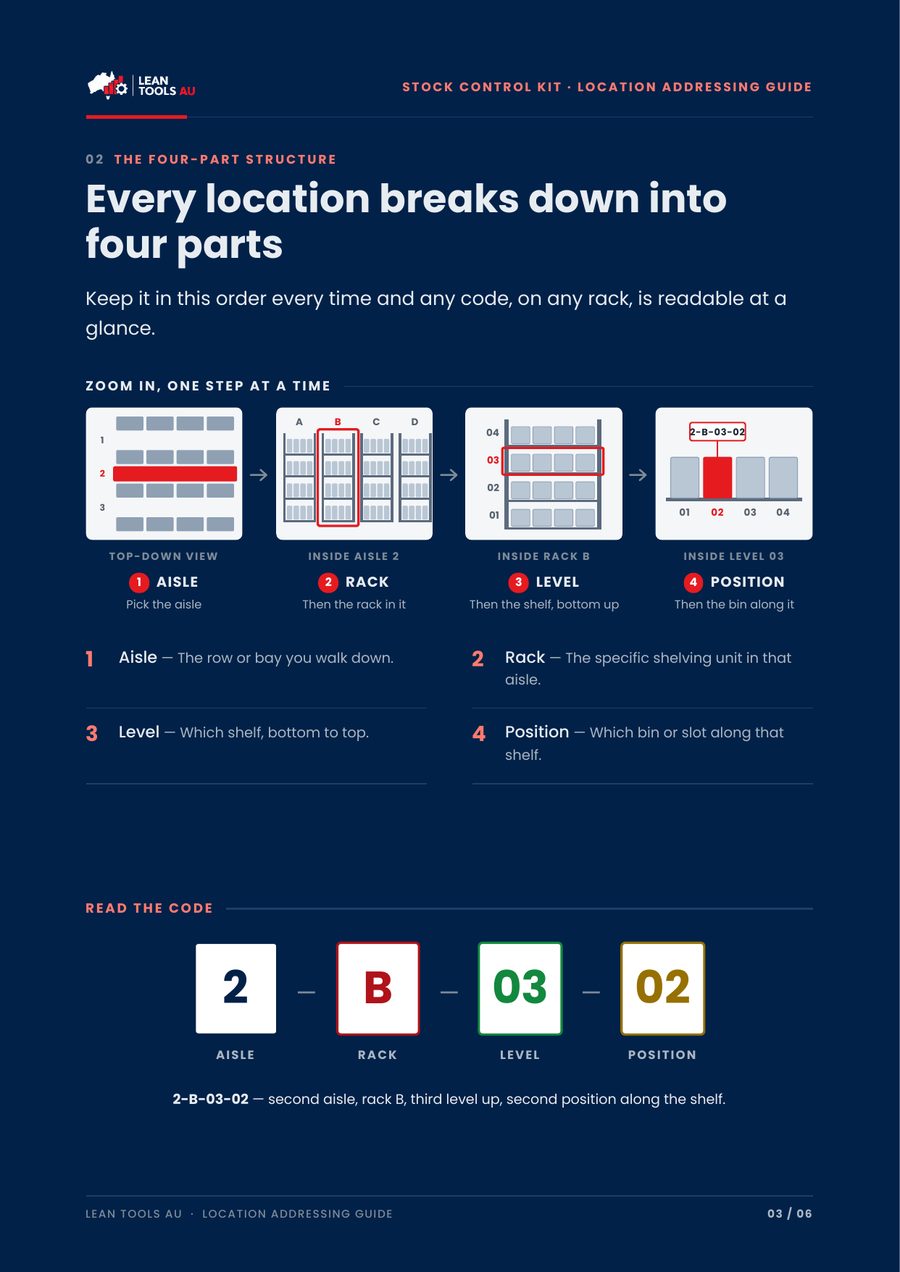
Addressing — four-part codes
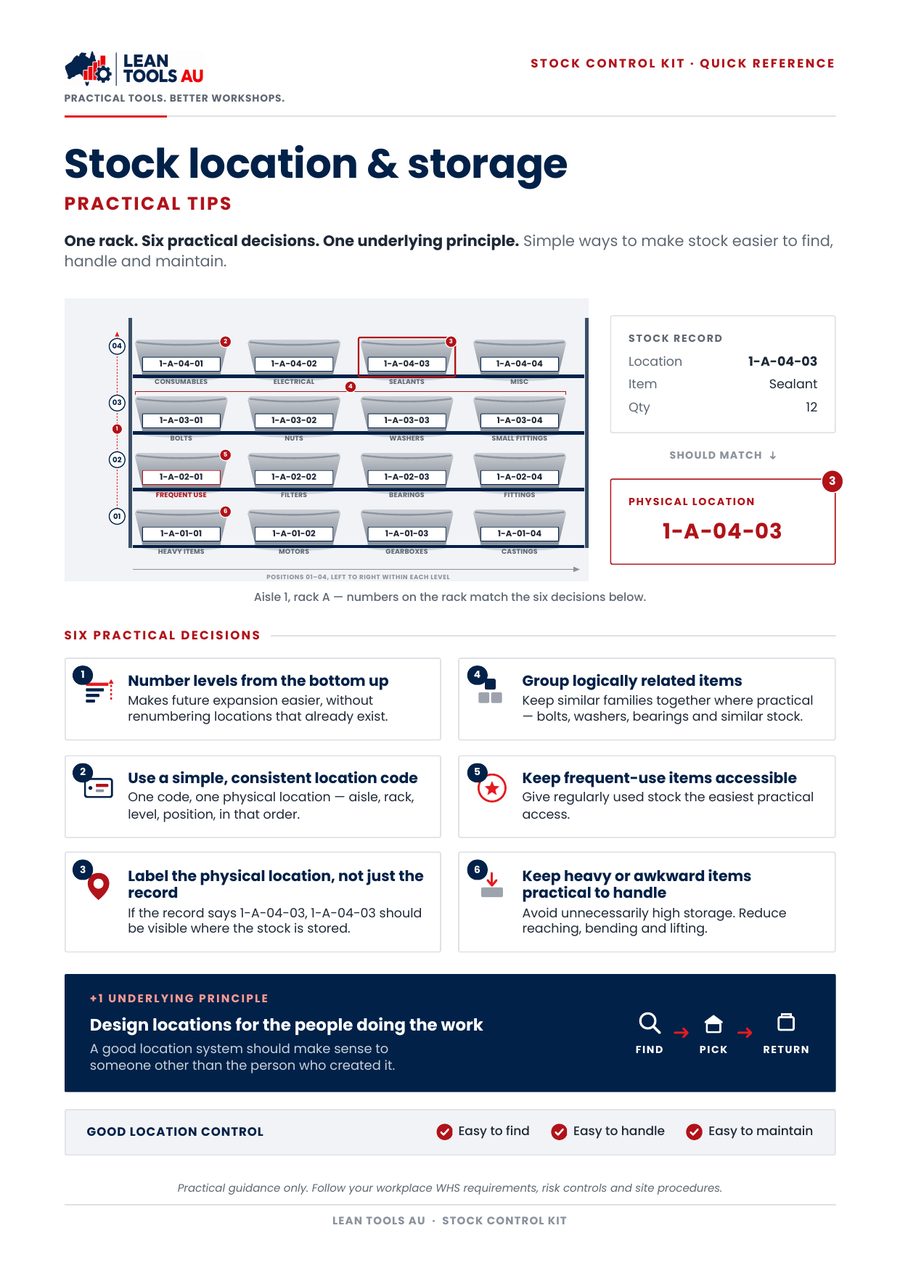
Stock Location & Storage Quick Reference
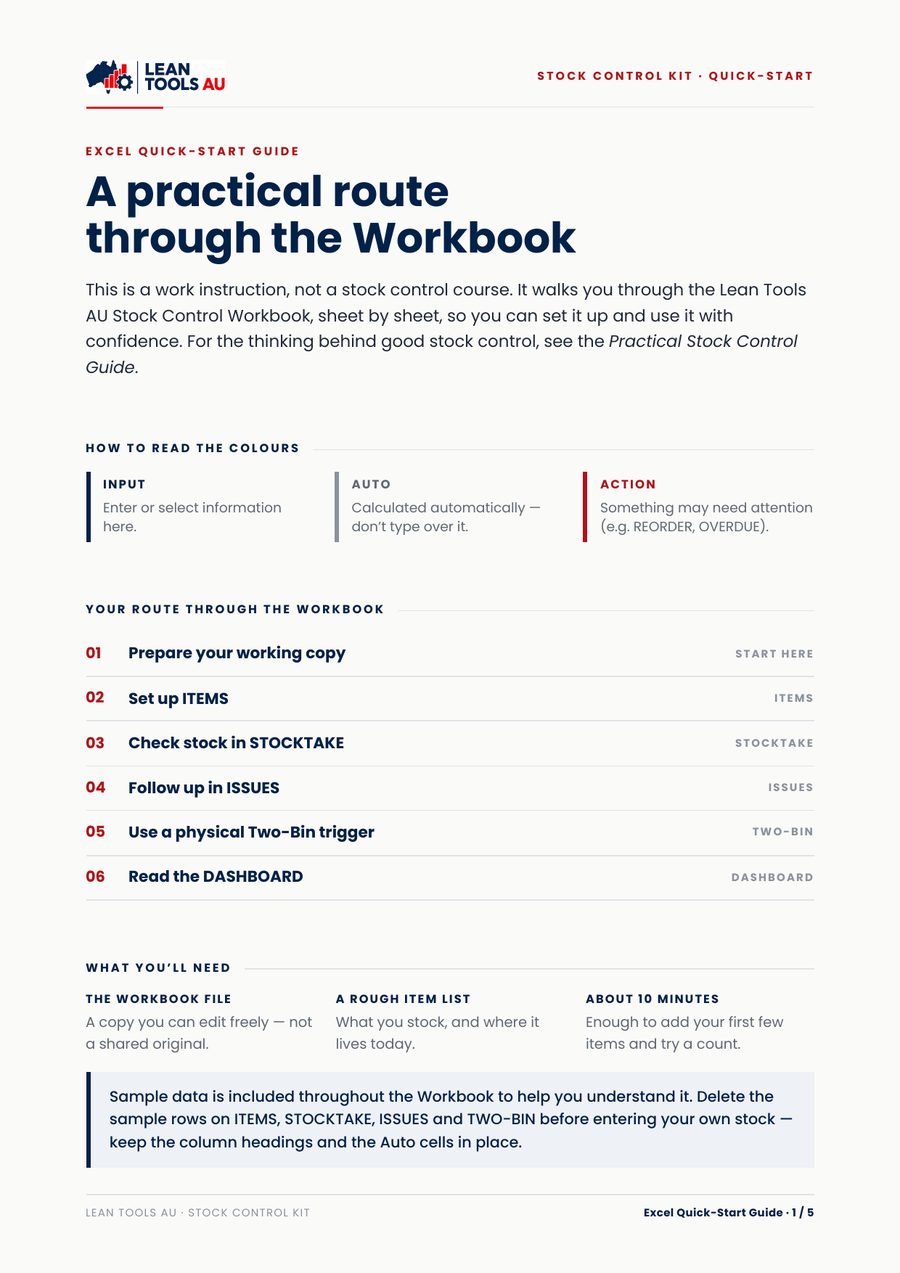
Excel Quick-Start Guide
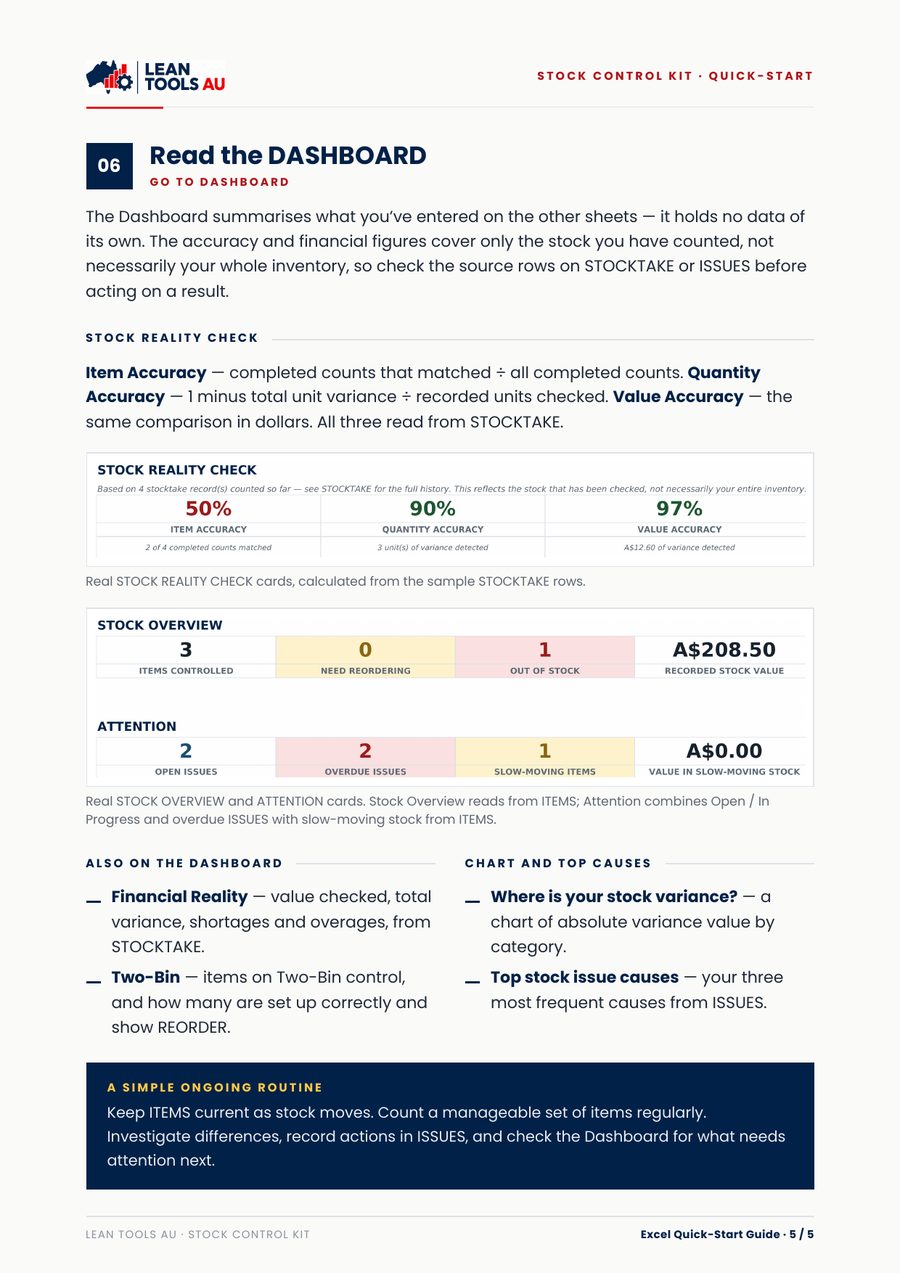
Excel Quick-Start — Dashboard page
Workbook in Excel — Dashboard

Workbook in Excel — Stocktake history
Want to try a separate free count check first?
The free sample covers one count of up to 20 items, with a guided recount and CHECK tab. Those guided features are not in the paid kit.
Get the free Stock Count Check →
Free sample or full kit?
What the kit adds after the first count
| Feature | Free sample | Stock Control Kit · A$49 |
|---|---|---|
| Count differences in units and A$ | Yes — one count, up to 20 items | Yes — up to 500 stocktake rows |
| Guided recount and CHECK tab | Yes | No — follow-up is recorded in ISSUES |
| Investigate the cause before correcting | Yes | Yes — issues log with action, owner and due date |
| Item register with reorder status | — | Yes — up to 1,000 items |
| Two-Bin control | — | Yes |
| Dashboard: accuracy, shortages and overages, top causes | Summary of one count | Yes |
| Method and location addressing guides | — | Five PDF guides |
| Records receipts and issues automatically | No | No — you update quantities yourself |
Good to know
What this kit is — and isn't
This kit is
- A practical set of PDF guides and a working Excel workbook, with no macros or add-ins
- Designed for manual use by a supervisor, storeperson or team
- Yours to use across your own workplace once purchased
This kit is not
- An ERP, warehouse-management or barcode-scanning system
- Connected to your accounting software, or advice on the tax treatment of inventory
- A guarantee of productivity, cost or stock-accuracy outcomes
Built from hands-on experience
You don’t have to build the starting point yourself.
I’m Diego, founder of Lean Tools AU. After more than 15 years working with businesses around the world, I created these tools to help small teams organise their work, reduce waste and save money.
The guides explain the approach; the ready-to-use files give you somewhere to start. Your team puts them to work, one area or group of items at a time.
Questions before buying? Email me at hello@leantoolsau.com.au.
Questions
Before you buy
- Does it record receipts and issues automatically?
- No. You update quantities yourself. The kit is built to check your records against the shelf and fix the cause of differences — it isn't an ERP, warehouse or barcode system.
- Is there a free version?
- Yes. The free Stock Count Check covers one count of up to 20 items, so you can try the method on your own stock before buying the kit.
- How do I get the files?
- After payment you return to a confirmation page with your download. Download links stay active for 15 minutes — if one expires, refresh the confirmation page to get a new link.
- What do I need to use it?
- Microsoft Excel to use the Workbook, and a PDF reader for the guides. The Workbook has no macros or add-ins.
- Is GST included?
- Prices are in Australian dollars. Lean Tools AU is not registered for GST, so no GST is charged.
- Can I share it with my team?
- Yes, within your own organisation. The licence allows internal use and working copies for your employees and team members. It does not allow resale or sharing with other businesses — see the Terms.
Ready to trust your stock records?
The Stock Control Kit — instant download, yours to use straight away.